Take a virtual tour of the vessel on the screen below.
To explore ShipTwin’s full features, please request a
demo.
On a PC, you can click and drag the mouse on the screen above. On a smartphone or tablet, you can tap and swipe to walk around the virtual museum space.
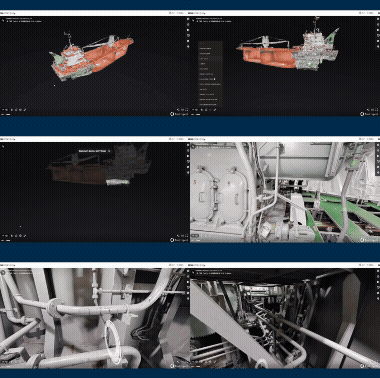
Inspect the vessel in detail without visiting in person. Use it for meetings with shipowners, shipyards, and manufacturers while significantly reducing travel time and costs.
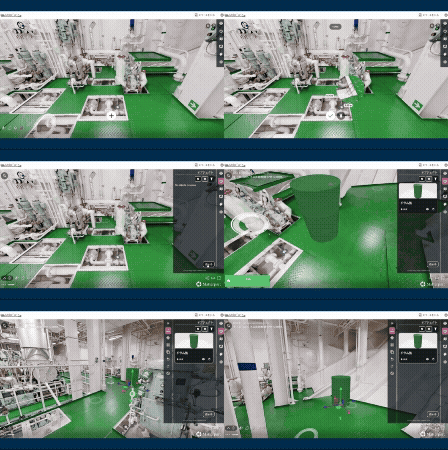
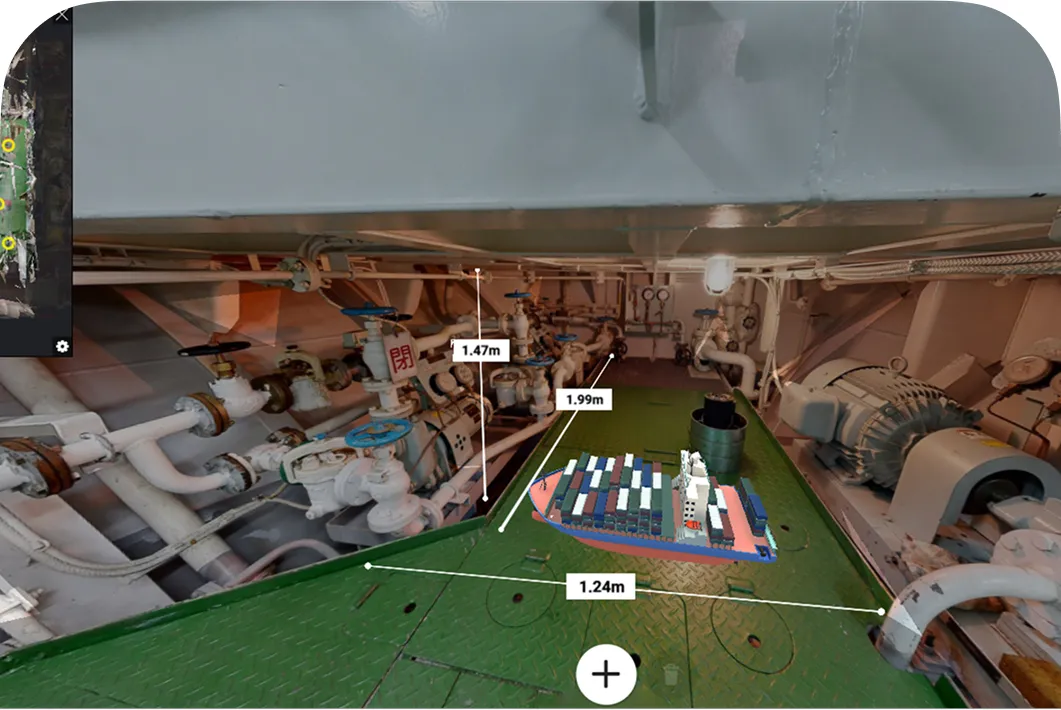
Take measurements without visiting the vessel to plan maintenance space and delivery routes in advance. Place 3D models to evaluate installation locations.
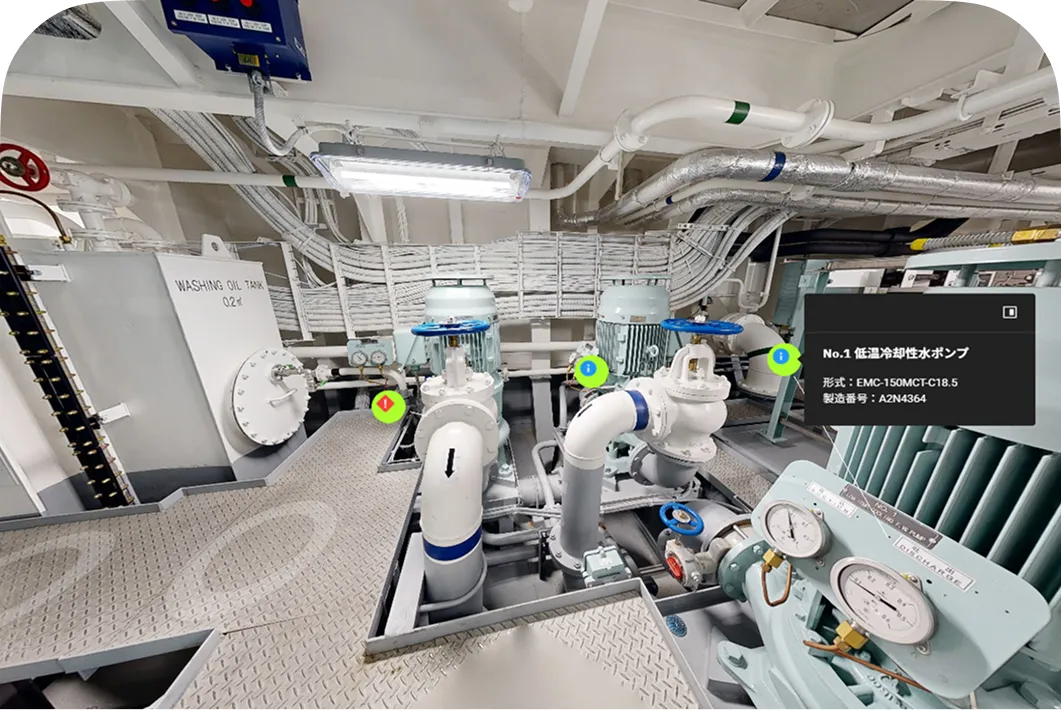
Inspection records, defect histories, and current status can be logged and linked to specific equipment. This ensures reliable handover of information even when personnel change, helping to prevent issues caused by missed checks.
Communicate while sharing precise on-site location data, helping to prevent instruction errors and misalignment.
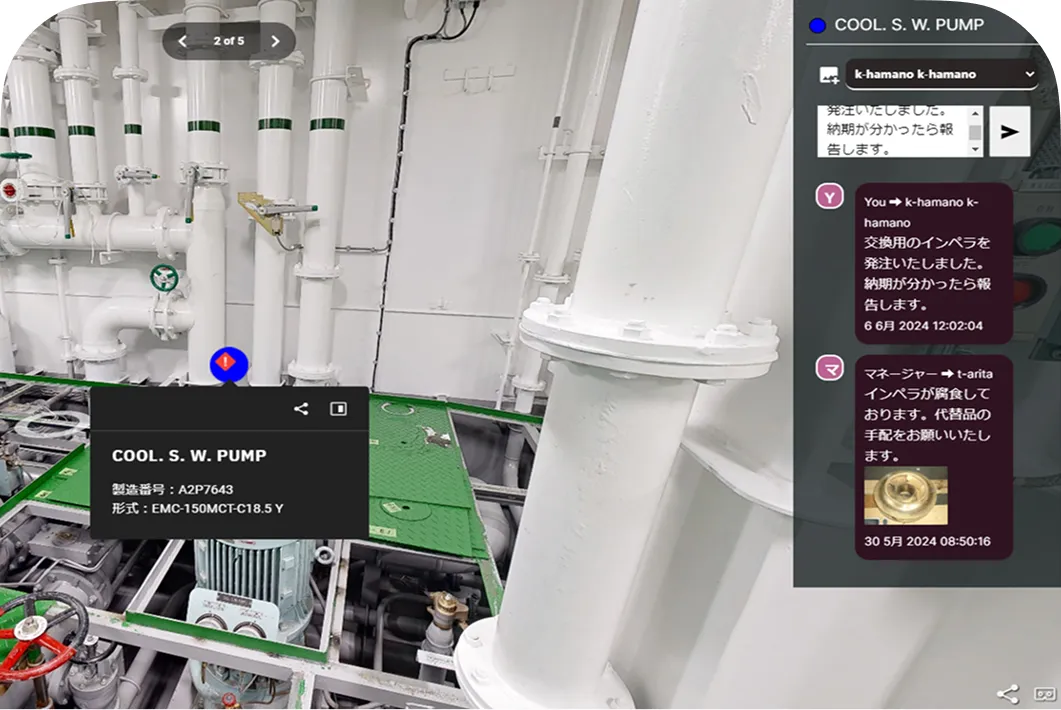
Give instructions while viewing the same onboard space in real time, even from a remote location. This allows you to clearly communicate exact points that are difficult to convey over the phone.
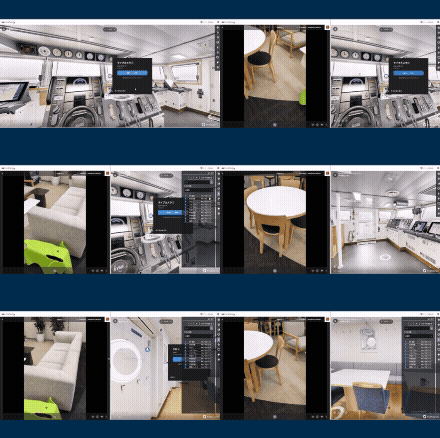
View real-time onboard video directly within ShipTwin. By adding up-to-date information that ShipTwin alone cannot capture, it enhances the accuracy of situational awareness.
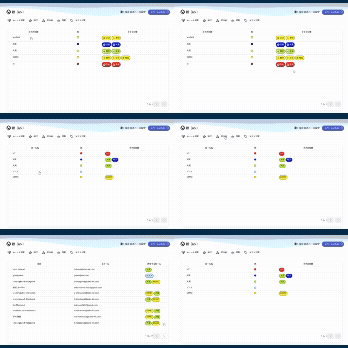
Control access to tag information by role and organization. Highly confidential information can be securely shared only with authorized personnel.
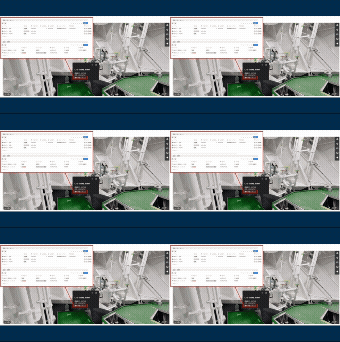
Add URL links to tags to connect to your existing management tools, Excel files, and other systems. This simple integration lowers the barrier to digital transformation.
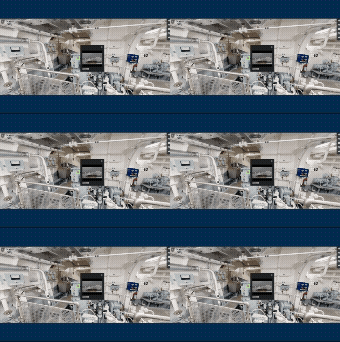
Access manual videos and other resources directly from tags attached to equipment to improve the sharing of work procedures and training efficiency.
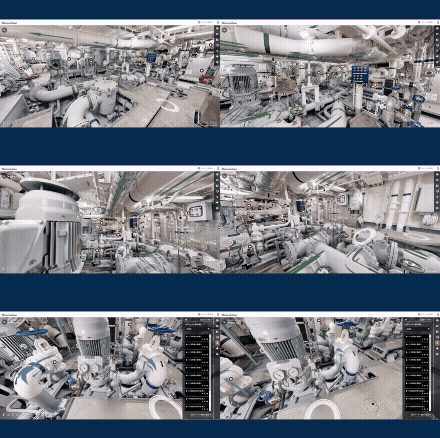
Information that is difficult to understand from drawings alone—such as piping systems and evacuation routes—can be clearly visualized within the digital twin, supporting faster emergency response and improving overall understanding.
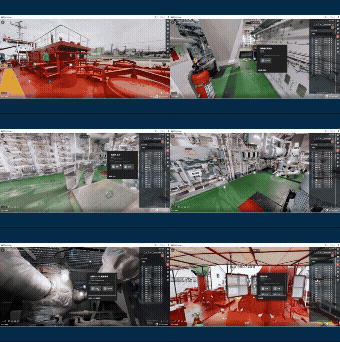
View equipment data within the digital twin to perform inspections and investigations remotely without visiting the vessel, significantly reducing travel time and costs.
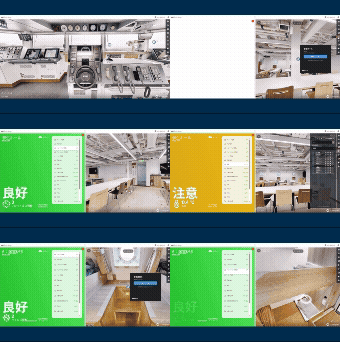
Integrate monitoring services across multiple manufacturers into ShipTwin. View the vessel’s overall condition efficiently within ShipTwin without switching between multiple screens.
We will usually respond within 1–2 business days after receiving your inquiry.
